Using the AI lineup planner
The hardest part of coaching little league isn't strategy — it's making a fair lineup that keeps every parent happy. Coach Card's AI does it for you. Just tell it how you want things to work, in your own words.
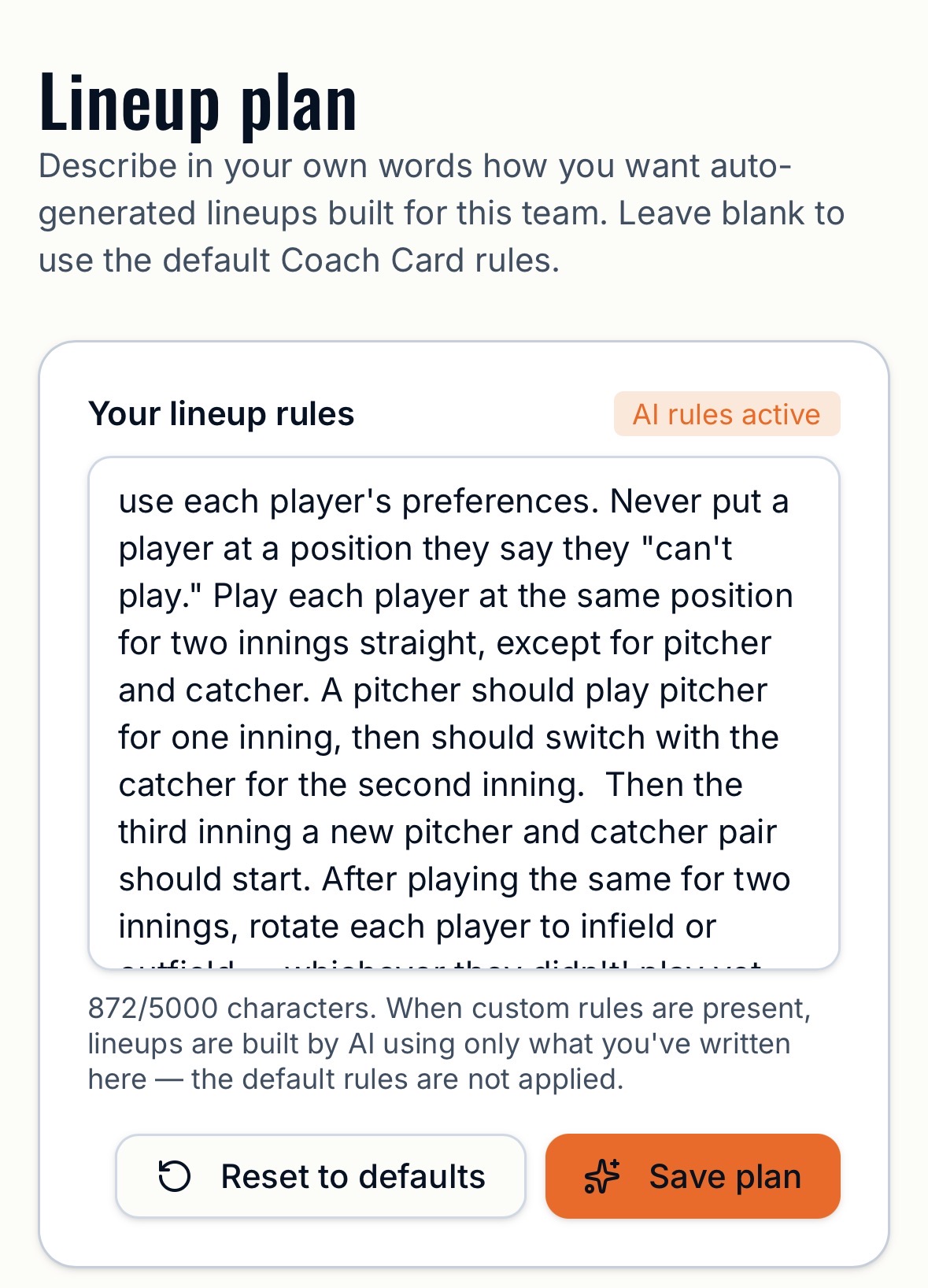
Step 1 — Open the lineup plan
From your team page, tap Lineup plan. You'll see a big text box and a badge that says Default rules or AI rules active, depending on whether you've written anything yet.
Step 2 — Write your rules in plain English
Type how you want your lineups built. No special syntax, no checkboxes — just write it the way you'd explain it to a parent volunteer. Here's a real example:
Tap Save plan. The badge flips to AI rules active.
Step 3 — Generate a lineup
Open any game, mark attendance, and tap Auto-generate. The AI reads your plan plus every player's position preferences and builds an inning-by-inning lineup that follows your rules. It takes 10–30 seconds — let the spinner finish.
What you can ask for
- Position rotations ("alternate infield and outfield each inning")
- Pitcher rules ("no pitcher throws more than two innings")
- Fairness rules ("nobody sits the bench twice before everyone has sat once")
- Player-specific notes ("never play #12 at catcher, his knees")
- Edge cases ("if we only have 9 players, skip right field")
Why this beats a spreadsheet
A spreadsheet can't reason about "fair." It can't know that Jamie loves third base or that you promised every kid would pitch at least once this season. You can. Write it down once in the lineup plan, and the AI applies it to every game for the rest of the season.